


About Boltz Retro Stick
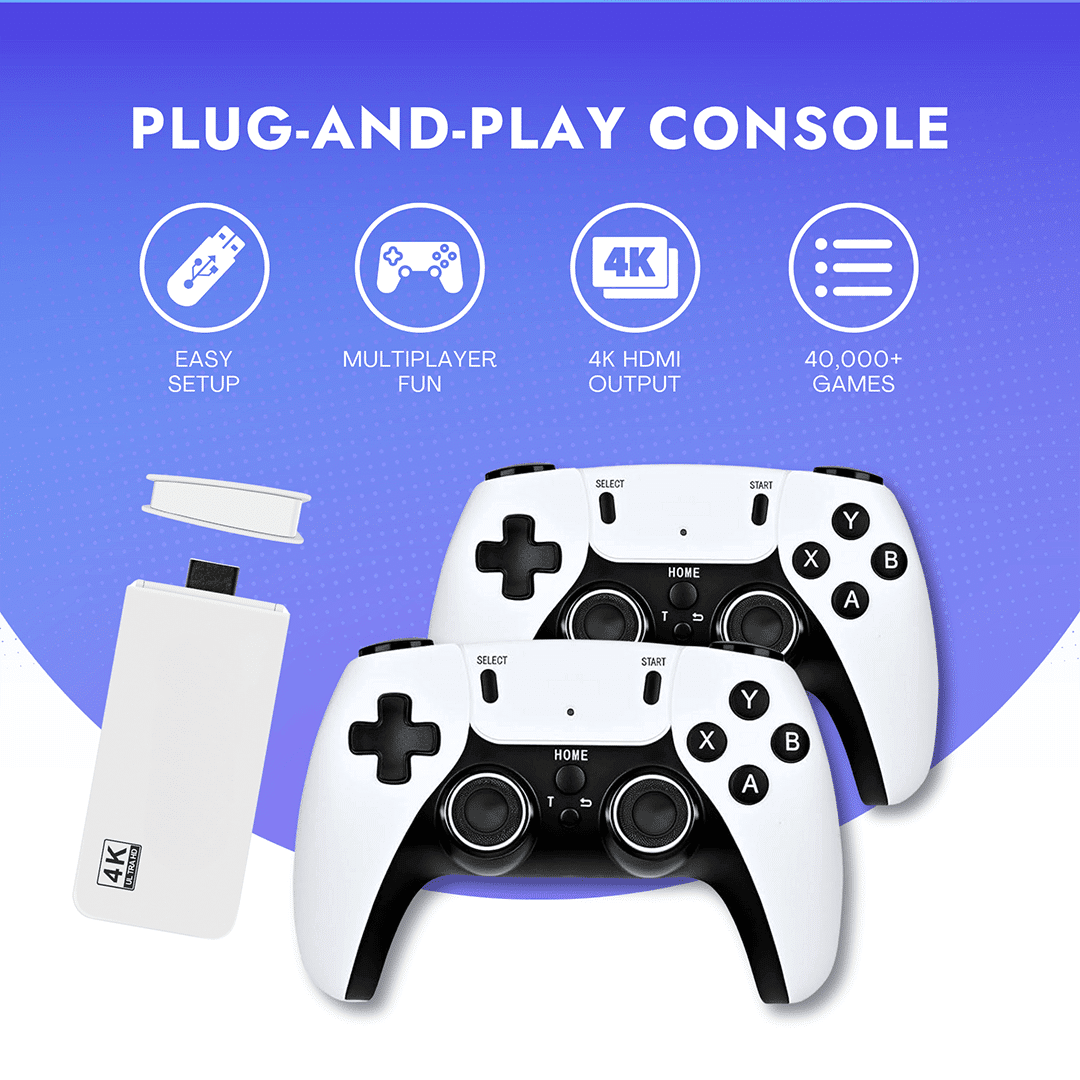
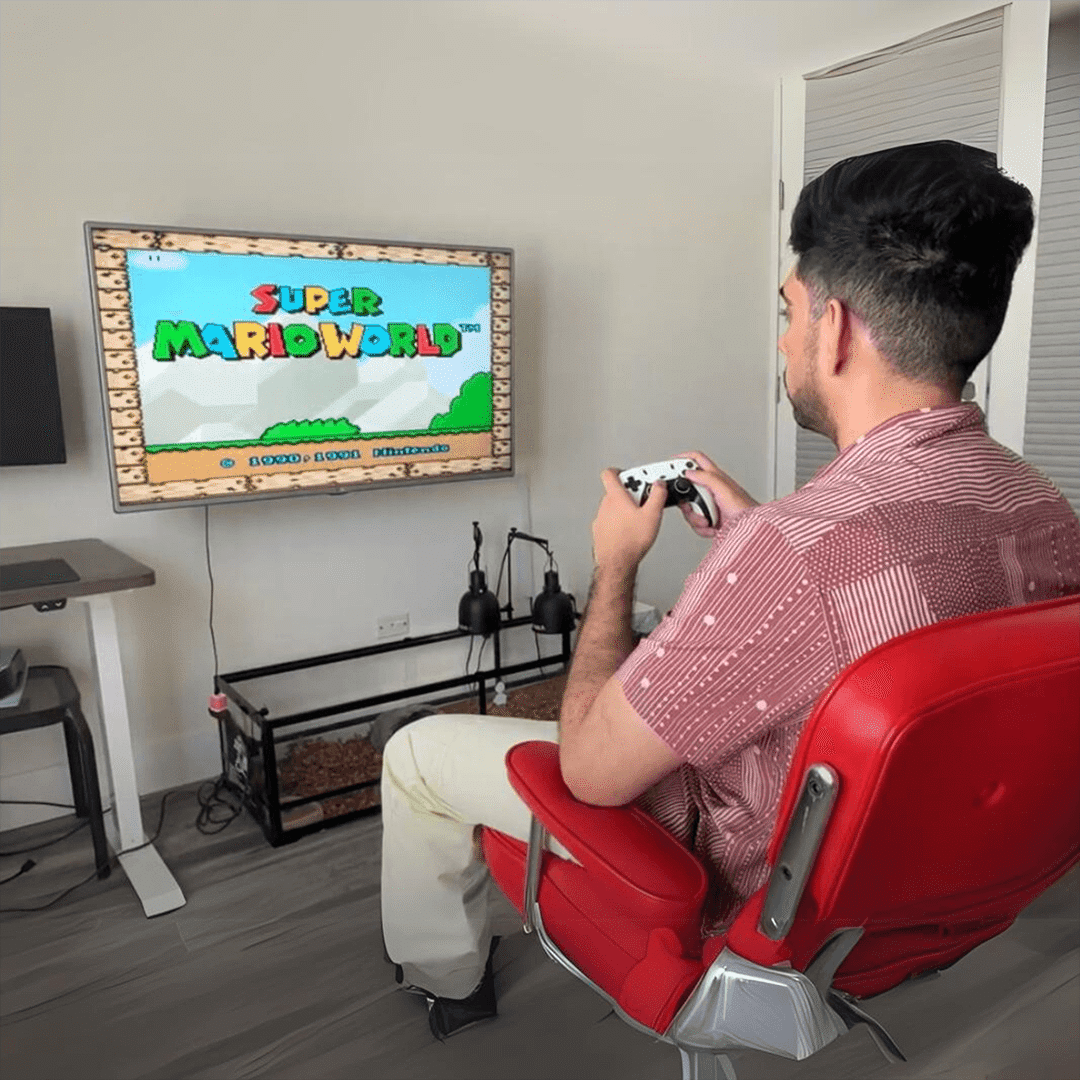
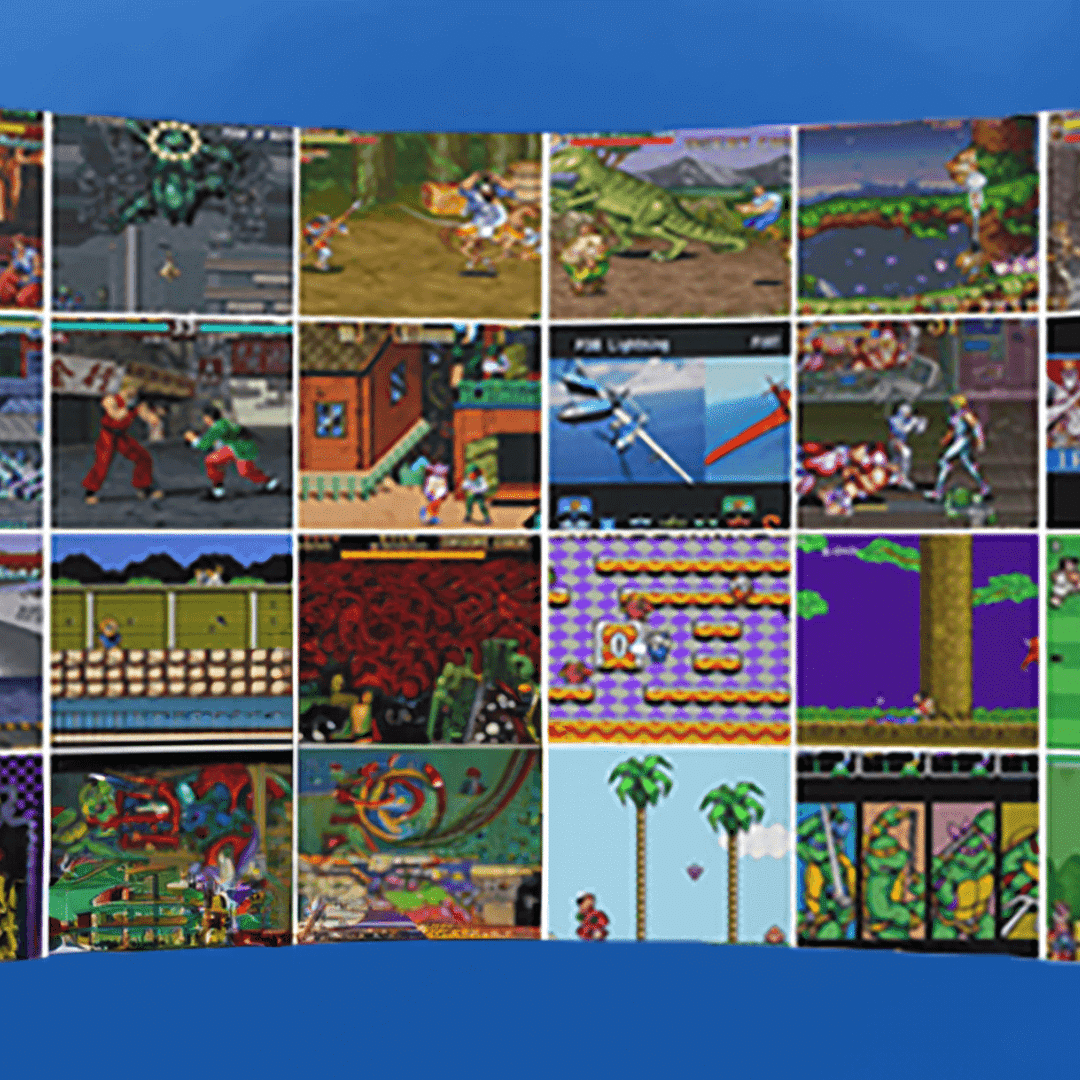
Boltz Retro Stick is a compact HDMI game stick that turns almost any TV with an HDMI port into a retro gaming console in a few minutes. It typically comes with thousands of built‑in retro titles (with package options like 8,000+ or 20,000+ games), wireless controllers, and a memory card that stores the full game library.
The device focuses on classic genres such as platformers, arcade shooters, racing, fighting, and puzzle games, bringing multiple generations of retro systems into a single plug‑and‑play device. Its small, portable form factor makes it easy to throw into a bag and use on any compatible TV at home, a friend’s place, or while traveling.
How Does Boltz Retro Stick Work?
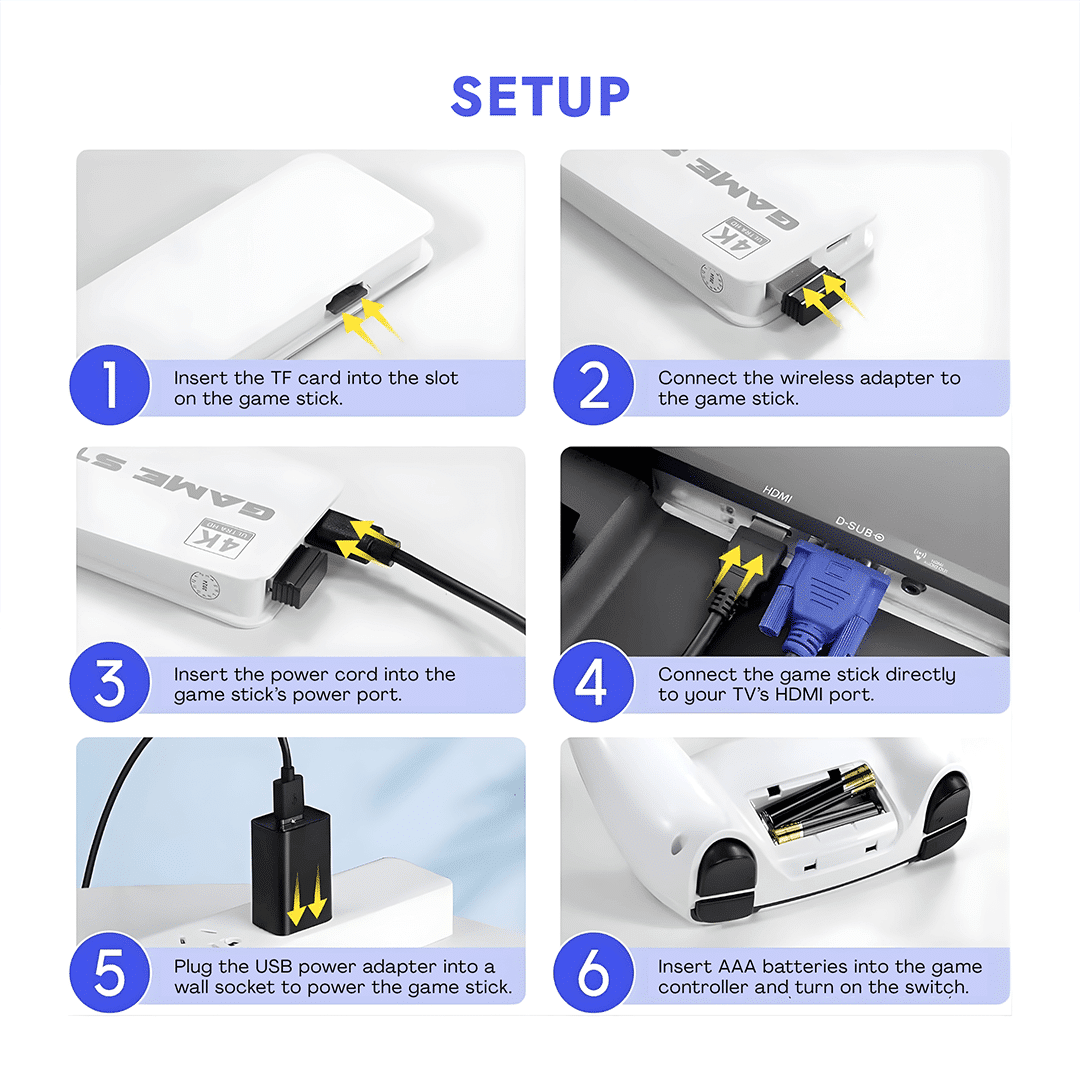
Boltz Retro Stick is designed to be simple: plug it into your TV’s HDMI port, power it via the included USB/micro‑USB cable, and pair the wireless controllers through the included USB receiver. Once powered on, an on‑screen menu appears where you can browse consoles, scroll through game lists, search for titles, mark favorites, and launch games directly with the controller.
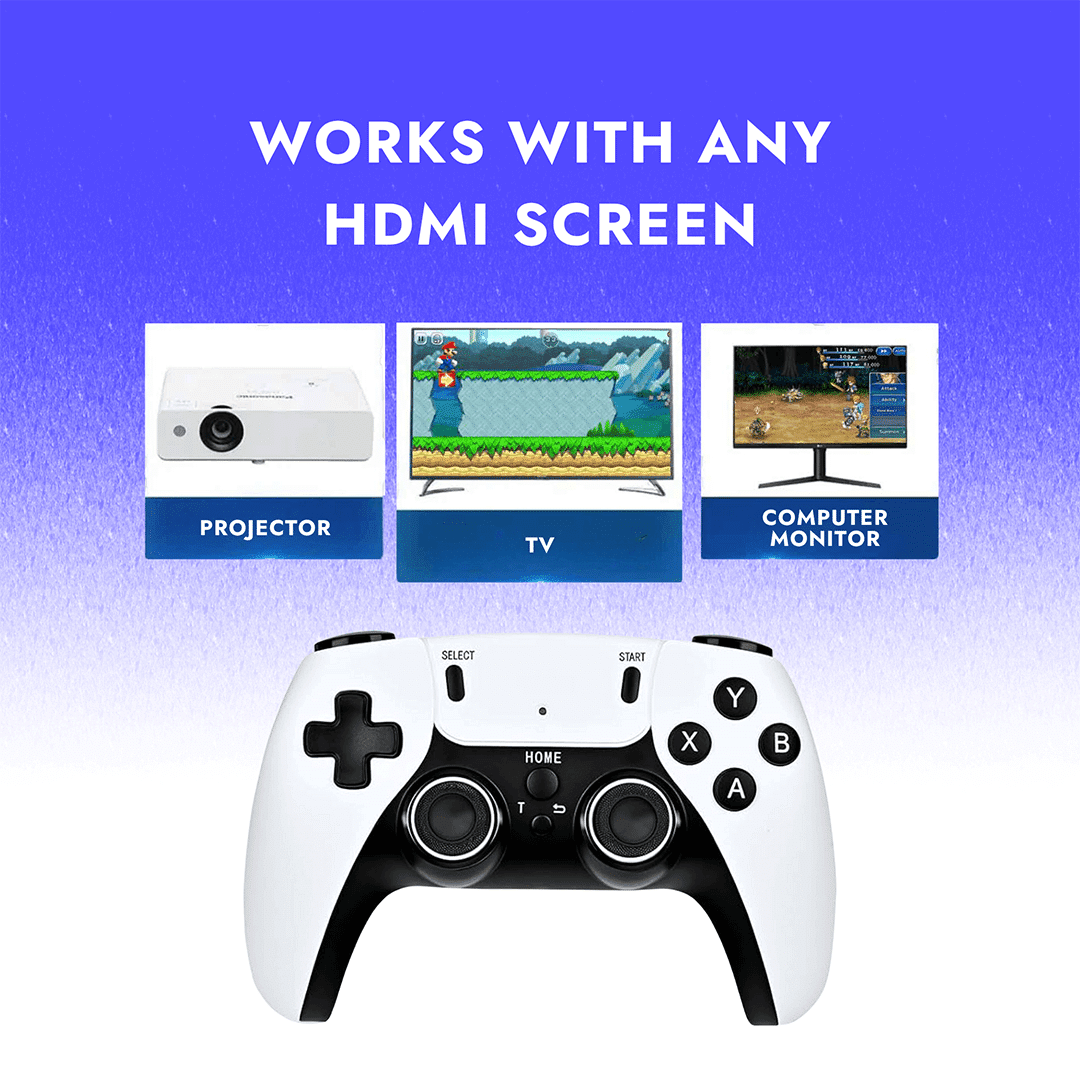
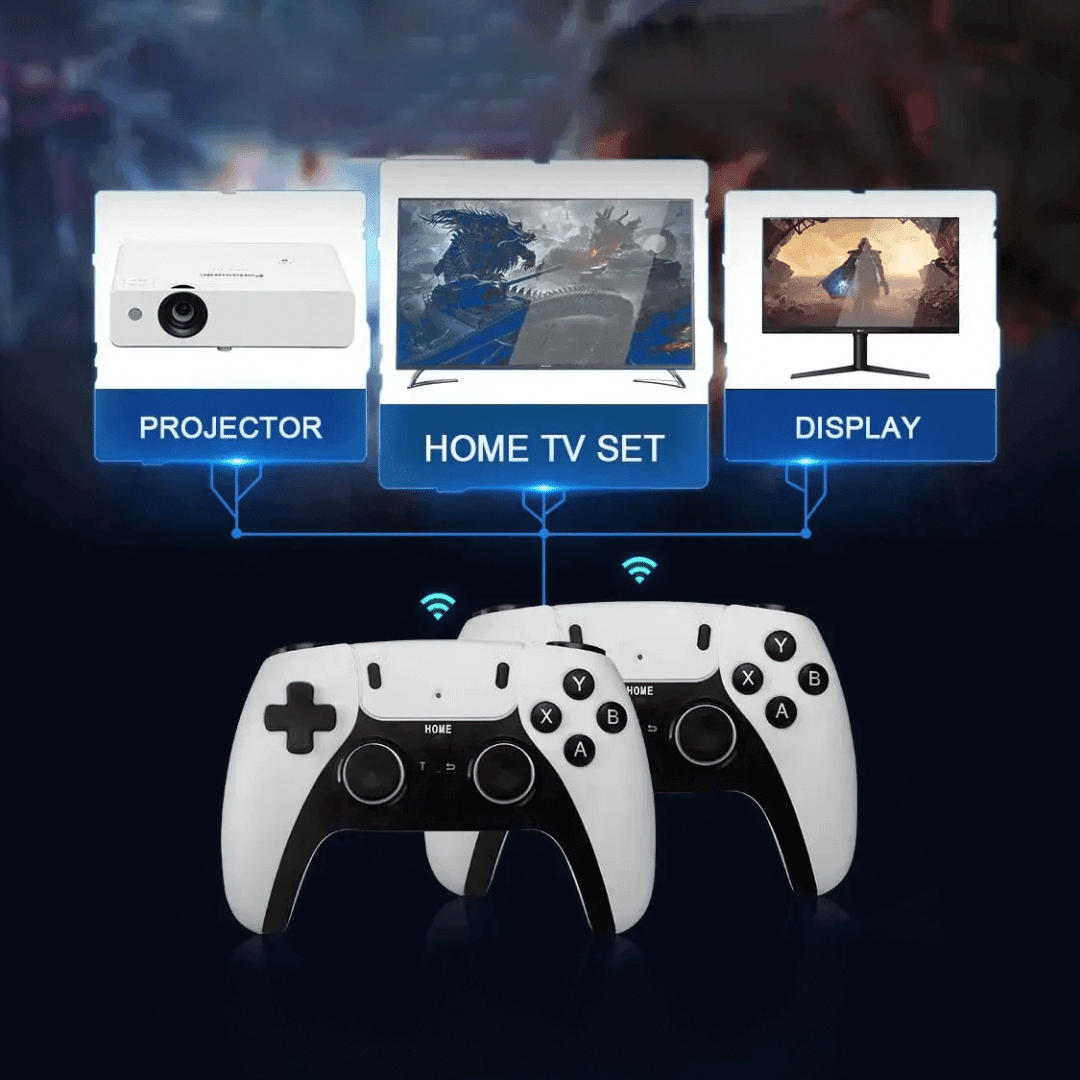
All games are stored on the included memory card, so no downloads or Wi‑Fi are required—everything runs locally from the stick. The system outputs through HDMI with support for up to 4K display and 1080p‑class gaming, so retro titles display clearly on modern TVs, projectors, and many monitors. Many versions also support save functions, letting players resume progress later instead of starting over each session.
Benefits of Using Boltz Retro Stick
-
Huge all‑in‑one retro library
With thousands of built‑in games and multiple emulator systems, you get a massive catalog of classics without needing separate consoles, cartridges, or discs. This is ideal for families, collectors on a budget, or anyone who wants a “one box” nostalgia device without complex setup. -
True plug‑and‑play convenience
Setup is straightforward: plug into HDMI, power it, and start playing from the on‑screen menu—no drivers, installations, or internet setup required. This low friction means it is accessible even to non‑technical users and perfect for quick game nights. -
Wireless, couch‑friendly gaming
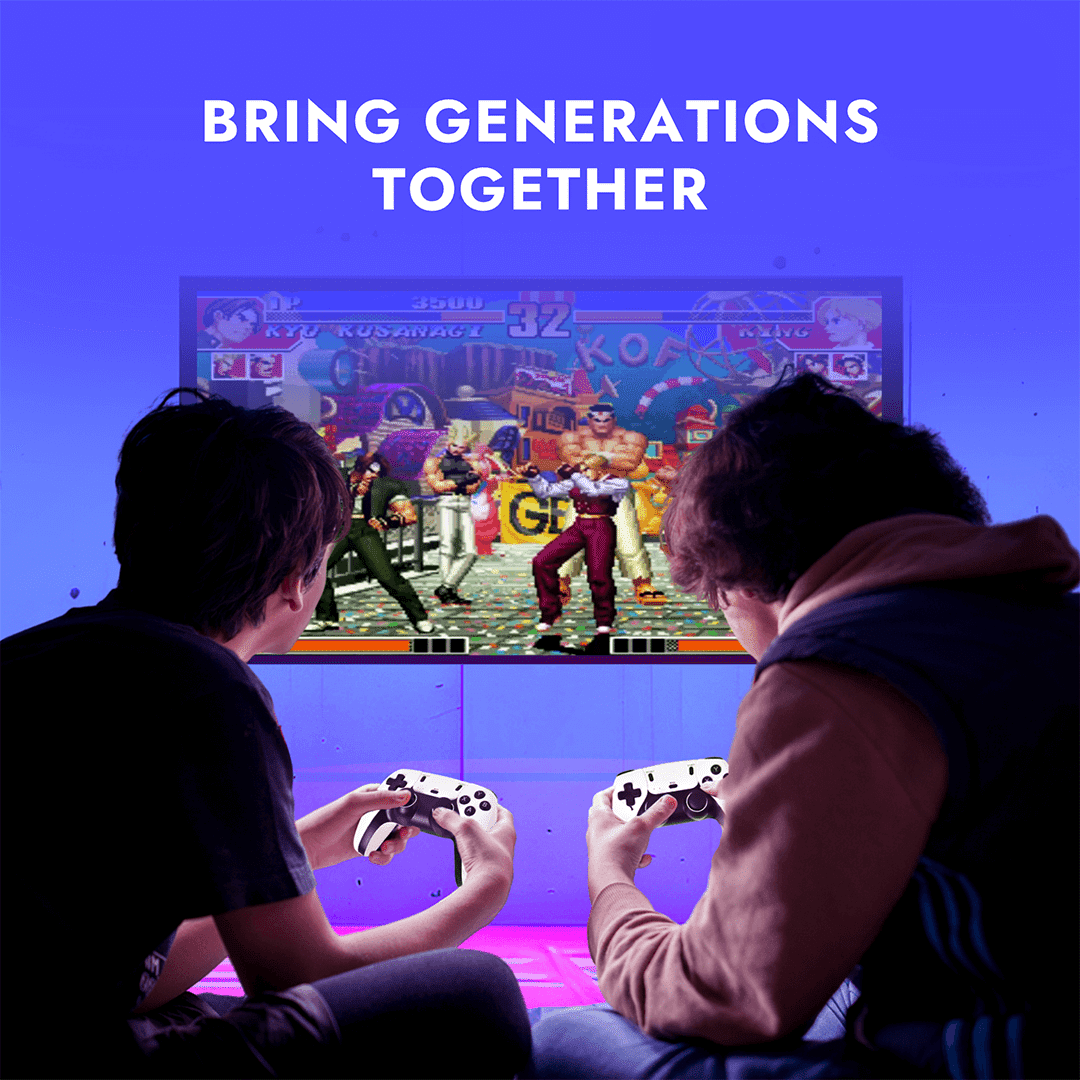
Included wireless controllers let you sit back comfortably without dealing with cable clutter across the living room. Multiplayer support means friends and family can join in easily, making it a fun option for parties or gatherings. -
Portable entertainment anywhere
Because the stick is small and runs from HDMI plus USB power, you can take it on trips and use it with hotel TVs, projectors, or a second TV at a friend’s house. This makes it a handy travel companion for retro fans who want consistent entertainment without carrying bulky hardware. -
Nostalgia with modern displays
HDMI output ensures classic games work on today’s flat‑screen TVs, and 4K‑capable output helps keep visuals sharp compared to old composite or RF connections. For many users, this is the easiest way to experience childhood favorites on current hardware without complicated adapters or mods.
How to Use Boltz Retro Stick
- Connect to your TV
Plug the Boltz Retro Stick into an available HDMI port on your TV and connect the included USB power cable to a USB power source or adapter. - Plug in the wireless receiver
Insert the 2.4G wireless USB receiver into the USB port on the stick so the controllers can connect. - Power on and select input
Turn on your TV and switch to the HDMI input where the stick is connected; the Boltz Retro Stick menu will appear on‑screen. - Prepare the controllers
Insert batteries into each wireless controller (if required) and switch them on; they will automatically pair with the receiver in most setups. - Choose a console or category
Use the D‑pad to browse through systems or game categories and confirm with the main action button (usually “A”) to open a list. - Launch and exit games
Highlight a game and press the confirm button to start playing; to exit or access the in‑game menu (save/load/quit), press the designated button combo such as “Select + Start” as described in the included guide. - Save your progress
Use the save option in the in‑game menu so you can resume later from exactly where you left off, instead of restarting from the beginning.
FAQs
Does Boltz Retro Stick need internet?
No. All games come preloaded on the included memory card, so you can play entirely offline once the stick and controllers are connected.
What comes in the box?
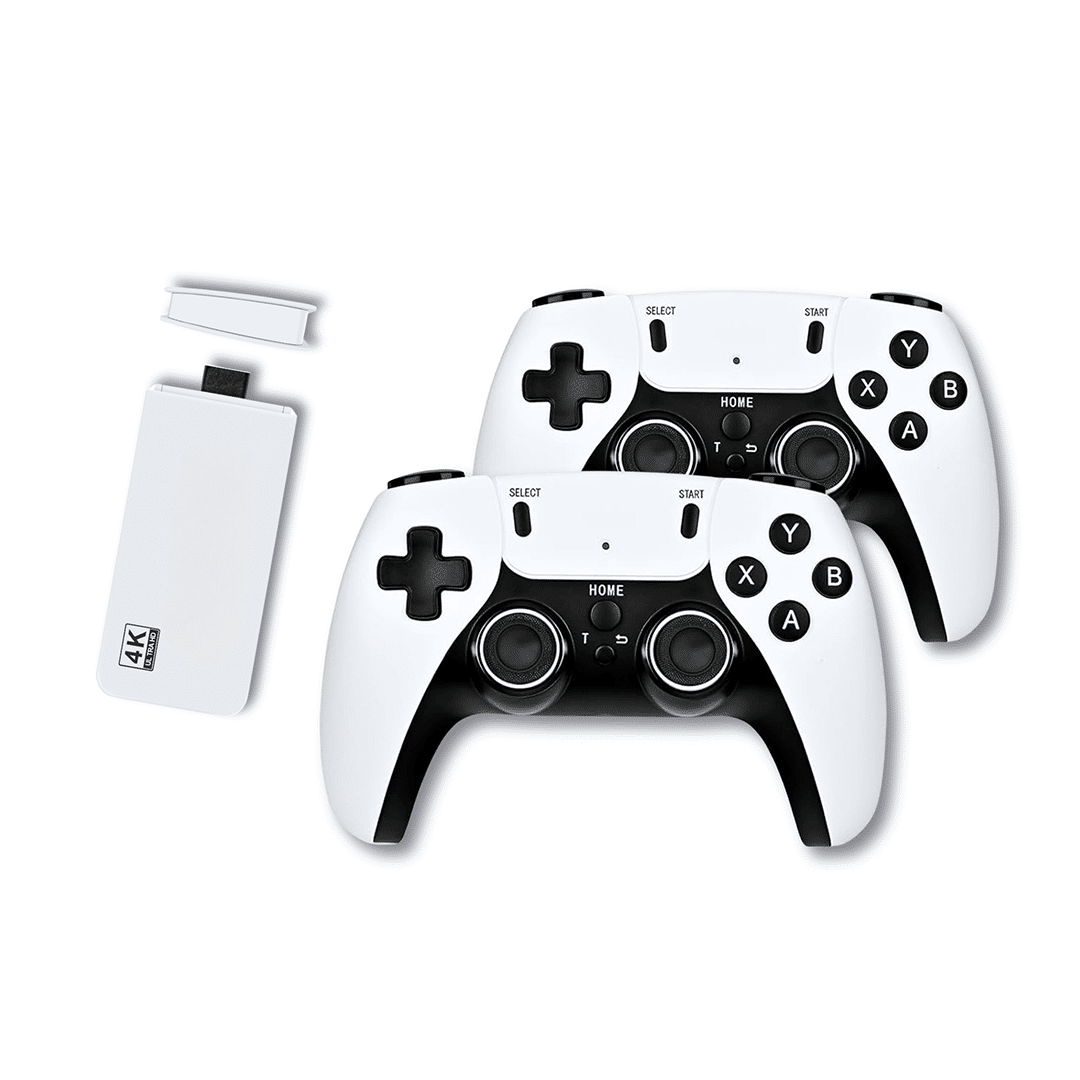
The package includes the Boltz Retro Stick, two wireless controllers, a 2.4G USB receiver, a USB power cable, an HDMI extension cable, a preloaded memory card, and a user guide.
Will it work with my TV?
Boltz Retro Stick is compatible with most modern TVs, projectors, and many monitors as long as they have a free HDMI port.
How many games are included?
Depending on the specific bundle, the stick includes thousands of retro games (often 20,000+), covering multiple classic consoles and arcade systems in one device.
Do the controllers have wires?
No. The included controllers use 2.4G wireless technology and pair through the USB receiver, letting you play comfortably from the couch.
Is it portable?
Yes. The stick is compact and lightweight, so you can easily pack it with you and use it on any compatible TV while traveling or visiting friends and family.
674 reviews for Boltz Retro Stick (Official Retailer) 2026